Troubleshooting Yatelo eSIM Activation Issues in 2026
10/10/2026
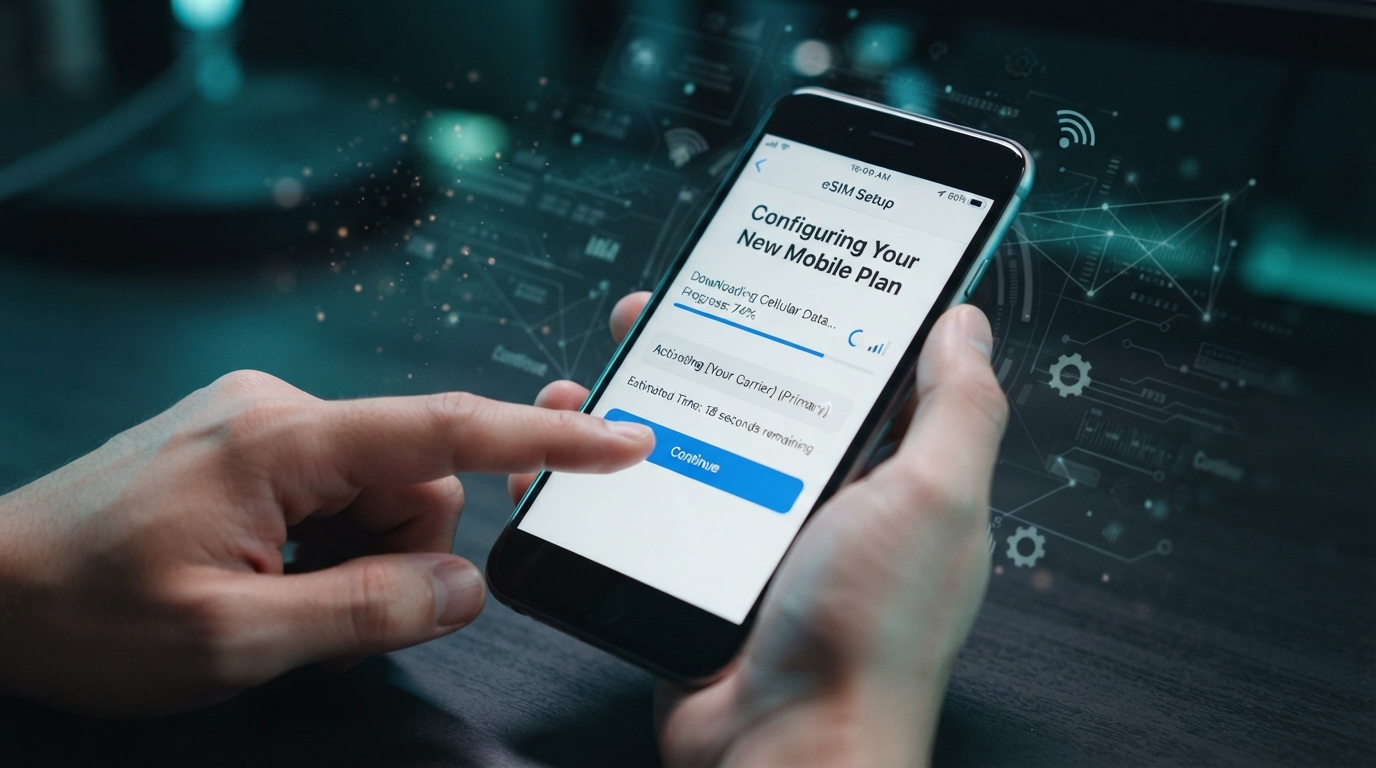
Troubleshooting Yatelo eSIM Activation Issues: How to Get Connected Smoothly
Activating a Yatelo eSIM can sometimes hit snags that leave you offline when you expect instant connectivity. Yatelo offers affordable eSIM data plans covering over 200 destinations worldwide, but activation hiccups are not uncommon.
I always start by identifying the exact step where the process stalls — whether it’s downloading the eSIM profile, scanning the QR code, or configuring the device settings. Understanding these pain points helps you avoid wasted time and frustration.
Yatelo’s activation process is designed to be instant, but several technical and procedural issues can block it. Here’s how to troubleshoot common problems and get your Yatelo eSIM working without delay.
Common Activation Roadblocks and How to Fix Them
QR Code Scanning Fails or Is Not Recognized
The first step in activating a Yatelo eSIM is scanning the QR code provided after purchase. A frequent issue is that the device camera doesn’t recognize the QR code or shows an error.
- Condition: Using a device camera with smudges, poor lighting, or low resolution.
- Mechanism: The camera fails to capture the QR code pattern clearly.
- Consequence: The eSIM profile cannot be downloaded, halting activation.
To fix this, clean your camera lens thoroughly and ensure good lighting. I’d advise against using screenshots of QR codes from other devices because some phones require scanning the original code directly from the screen or printed paper.
Also, avoid zooming in or out excessively while scanning; keep your phone steady at a moderate distance.
If scanning still fails, manually enter the activation code if Yatelo provides one alongside the QR code. This method bypasses camera issues but requires careful input of long alphanumeric strings.
Device Compatibility Issues Block Installation
Not all smartphones support eSIM technology or may have restrictions on which carriers’ eSIMs they accept.
- Condition: Trying to install Yatelo eSIM on an unsupported or carrier-locked device.
- Mechanism: The phone’s firmware rejects third-party eSIM profiles.
- Consequence: Installation fails with error messages like “eSIM not supported” or “Profile installation failed.”
Yatelo eSIM requires a compatible device that supports GSMA-compliant remote SIM provisioning (RSP). Devices like iPhone XS and later, Google Pixel 3 and newer, and recent Samsung Galaxy models generally support this standard.
If your phone is carrier-locked, it might block foreign or third-party eSIMs.
I always start by verifying device compatibility on official manufacturer websites or through Yatelo’s support channels before purchasing an eSIM plan. If your device is locked, unlocking it with your carrier is often necessary to proceed.
Network Settings Prevent Activation Completion
Sometimes activation stalls because cellular settings on your phone conflict with the new eSIM profile.
- Condition: Previous physical SIM or another eSIM profile remains active.
- Mechanism: The phone prioritizes existing profiles or disables data roaming.
- Consequence: The Yatelo eSIM profile installs but cannot connect to mobile data networks.
To resolve this, disable or remove other active SIM profiles temporarily during activation. On iPhones, go to Settings > Cellular > Select other plans > Remove or turn off.
Also, check that data roaming is enabled for the Yatelo profile if you’re using it internationally; otherwise, connections will fail despite successful installation.
A common mistake I see is rushing through activation without confirming these settings — it leads to wasted troubleshooting time when the issue lies in simple toggles.
How to Properly Install a Yatelo eSIM Step by Step
-
Purchase Your Data Plan
Choose a Yatelo eSIM data plan suitable for your travel destination from their website or app. Plans cover over 200 countries including popular spots like Japan and Singapore. -
Receive Your QR Code
Instantly after purchase, you get a QR code via email or app notification for profile download. -
Scan the QR Code on a Compatible Device
Use your phone’s native settings app (e.g., iPhone Settings > Cellular > Add Cellular Plan) to scan the code. Avoid third-party scanner apps as they may corrupt data. -
Confirm Profile Installation
Your phone will prompt you to add and label the new cellular plan; confirm this step carefully. -
Configure Cellular Settings
Enable data roaming if traveling internationally and set the Yatelo plan as active for cellular data usage. -
Test Connectivity
Open a browser or app requiring internet access to verify connection success.
Skipping any of these steps or performing them out of order can cause activation failure. For example, installing before scanning correctly leads to incomplete profiles that don’t register on networks.
Understanding Yatelo eSIM Costs and What You Pay For
Yatelo offers competitive pricing for global travelers seeking hassle-free mobile data without physical SIM swaps. According to MyBestSim’s latest review, a typical Yatelo plan offers:
| Country | Data Allowance | Validity | Price (USD) |
|---|---|---|---|
| Turkey | 1 GB | 7 days | $0.85 |
| Singapore | 1 GB | 7 days | $1.02 |
| Italy | 1 GB | 7 days | $1.04 |
| Estonia | 1 GB | 7 days | $1.04 |
| Romania | 1 GB | 7 days | $1.04 |
These prices reflect affordable short-term plans ideal for travelers who want flexibility without long commitments. The cost includes instant activation with no roaming fees in supported countries.
Yatelo also provides promo codes like “MYBESTSIM” offering discounts on unlimited plans according to MyBestSim’s comparison platform — a useful perk if you plan extended stays abroad.
When Customer Support Becomes Essential
Yatelo’s customer support can be crucial when technical issues persist beyond basic troubleshooting:
- They offer assistance via email and chat through their app.
- Response times vary but generally aim for under 24 hours.
- Support covers activation help, billing questions, and network troubleshooting.
I’d advise against ignoring support tickets if your activation stalls after trying fixes above — unresolved issues often stem from backend provisioning errors only operators can correct remotely.
Why Choosing Yatelo Over Physical SIM Cards Matters
Switching from physical SIM cards to a Yatelo eSIM subscription means:
- No need for physical card swapping when crossing borders.
- Instant access to local data plans in over 200 destinations.
- Reduced risk of losing SIM cards during travel.
- Ability to manage multiple profiles on one device without juggling cards.
However, this convenience depends heavily on smooth activation processes and compatible devices — which brings us back full circle to why troubleshooting matters so much for first-time users exploring how to install a Yatelo eSIM correctly.
For travelers heading to India specifically, I recommend checking out reliable guides on the best eSIM for India travel and how to buy an India eSIM that detail providers optimized for local coverage and pricing.
By focusing on these practical troubleshooting steps — from ensuring clean QR code scans and verifying device compatibility to adjusting network settings properly — you can avoid common pitfalls that delay getting online with Yatelo eSIM services during your travels.
FAQ
Why does my Yatelo eSIM QR code fail to scan?
QR code scanning issues often stem from dirty camera lenses, poor lighting, or using screenshots instead of the original code. Clean your lens, ensure good lighting, and scan the original QR code directly from your device or printed paper for best results.
How can I check if my device supports Yatelo eSIM?
Verify device compatibility by checking if your phone supports GSMA-compliant remote SIM provisioning. Models like iPhone XS and newer, Google Pixel 3+, and recent Samsung Galaxy phones generally support Yatelo eSIM. Carrier locks may block installation, so unlocking might be necessary.
What network settings affect Yatelo eSIM activation success?
Active physical SIMs or other eSIM profiles can interfere with activation. Disable or remove other profiles temporarily and enable data roaming for the Yatelo plan, especially when traveling internationally, to ensure proper network connection.
What steps should I follow to install a Yatelo eSIM correctly?
Purchase a plan, receive the QR code, scan it using your phone’s native settings app, confirm profile installation, enable data roaming if needed, and test connectivity. Skipping or reordering these steps can cause activation failures.
When should I contact Yatelo customer support for help?
If basic troubleshooting fails, such as scanning issues or network conflicts, contact Yatelo support via email or app chat. They can resolve backend provisioning errors and assist with billing or technical questions, usually responding within 24 hours.

Anjali Rao
Anjali is a travel and technology writer who has criss-crossed India by train, plane and rickshaw. At India eSIM she tests travel data plans on Jio, Airtel and Vi and explains how visitors can stay online affordably from Delhi to the backwaters of Kerala.