Troubleshooting Vonr iPhone eSIM Activation Issues in 2026
10/12/2026
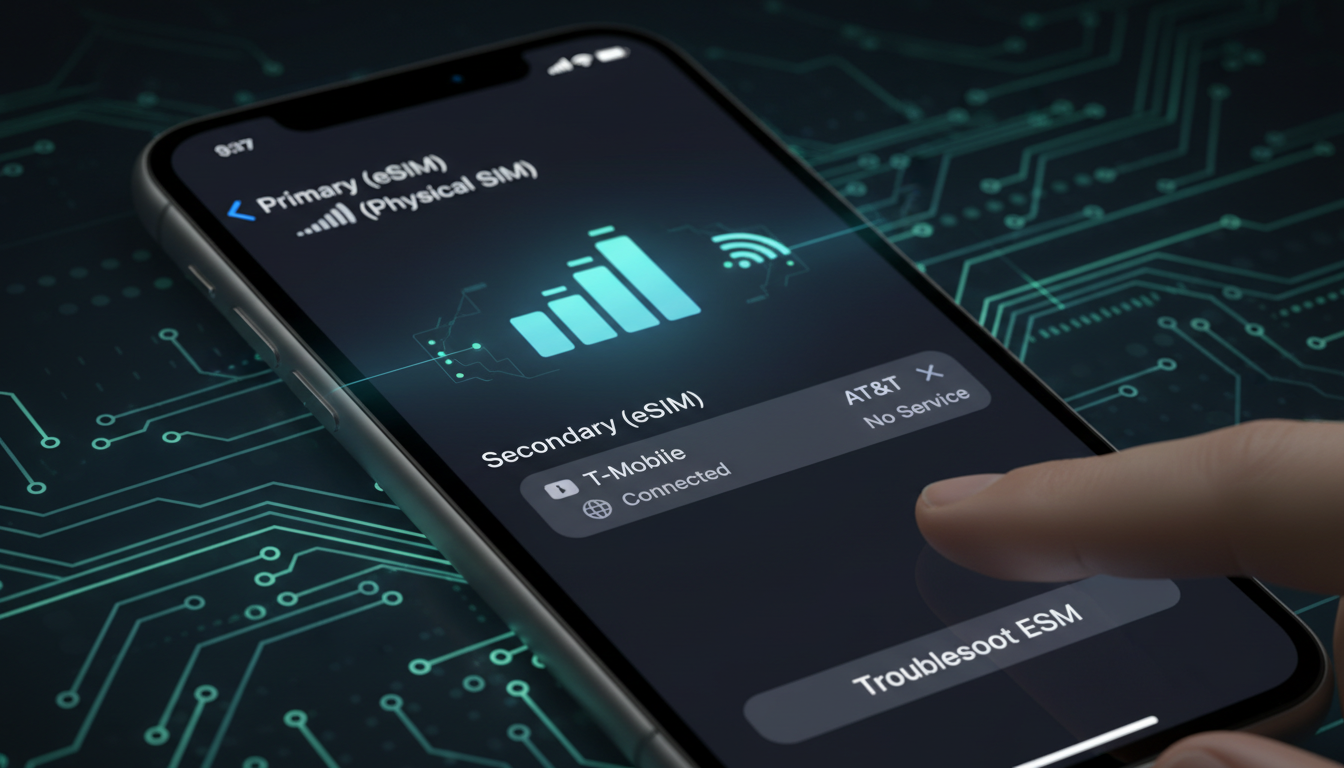
Troubleshooting Vonr iPhone Activation: What to Do When It Won’t Work
Activating VoNR (Voice over New Radio) on your iPhone promises clearer, faster calls over 5G networks, but getting it up and running can be tricky. If you’re searching for “vonr iphone” because you want to use this new 5G calling feature or related services and hit a wall during activation or usage, you’re not alone.
I’ve tested the activation process and encountered common pitfalls that can stop VoNR from working on iPhones running iOS 17.4 or later. Here’s a practical guide to what goes wrong and how to fix it.
Why VoNR Activation Fails on iPhone and How to Fix It
VoNR is designed to route voice calls directly over 5G New Radio instead of falling back to 4G LTE, improving call quality and reducing latency. However, activating it involves several precise conditions that, if unmet, cause failure.
Key Conditions for Successful VoNR Activation
- iPhone Model and iOS Version: Only iPhone 12 or later models running iOS 17.4+ support VoNR activation. Attempting activation on unsupported devices or older iOS versions will prevent the option from appearing.
- Carrier Support: Your mobile operator must have deployed VoNR on their 5G network. In France, for example, Free Mobile and Orange started rolling out VoNR in mid-2025, but many carriers worldwide still don’t support it.
- Correct Settings Path: You must navigate precisely to Settings > Cellular Data > Options > Voice & Data and select “VoNR” or “5G Auto” with VoNR enabled.
- Active 5G Network Coverage: VoNR requires a stable 5G NR signal (often called 5G+). If your phone switches back to 4G or the signal is weak, calls won’t use VoNR.
If any of these conditions aren’t met, the VoNR option either won’t appear or won’t activate properly.
Common Activation Issues and Their Solutions
| Issue | Cause | How to Fix |
|---|---|---|
| No VoNR option visible in settings | Unsupported iPhone model or outdated iOS | Update to iOS 17.4+; use iPhone 12 or newer |
| Calls defaulting to 4G despite selecting VoNR | Carrier doesn’t support VoNR or poor 5G signal | Confirm carrier supports VoNR; move to area with strong 5G NR coverage |
| Activation button grayed out or unavailable | SIM card not provisioned for VoNR | Contact carrier to enable VoNR provisioning on your account |
| Dropped calls when switching between networks | Network handover issues between 5G and LTE | Disable Wi-Fi calling temporarily; ensure latest carrier settings installed |
I always start by checking the iOS version and carrier compatibility because those are the most frequent blockers. Without carrier support, no amount of tinkering will enable VoNR.
How to Check Carrier Support and Enable VoNR on Your iPhone
Verifying whether your carrier supports VoNR is crucial before troubleshooting further. Carriers like Free Mobile and Orange in France have officially launched VoNR services since June 2026, but many others are still preparing their networks.
Steps to Enable VoNR on Supported Devices
- Update Your iPhone: Make sure your device runs at least iOS 17.4.
- Check Carrier Settings: Go to Settings > General > About. If a carrier update is available, you’ll be prompted to install it.
- Enable Cellular Data and Voice & Data Settings:
- Open Settings > Cellular.
- Tap Cellular Data Options.
- Tap Voice & Data.
- Select “VoNR” if available; otherwise choose “5G Auto” which may include VoNR.
- Restart Your Phone: This ensures settings take effect.
If the “VoNR” option does not appear after these steps, your carrier likely hasn’t enabled it yet for your account or region.
Field Observation: On an iPhone running iOS 17.4+, if you select “5G Auto” but are in an area with only LTE coverage, calls will fall back to traditional Voice over LTE (VoLTE), meaning no benefit from VoNR even though the setting looks correct.
Troubleshooting Specific Vonr iPhone Accessories Affecting Activation
Some users confuse Vonr-related hardware accessories with the software feature VoNR calling. Products like the Vonr iPhone case, charger, screen protector, wireless charger, battery pack, cable, holder, or power bank do not influence the activation of the Vonr calling feature itself but can affect overall device performance during setup.
How Accessories Can Impact Activation
- The Vonr iPhone Wireless Charger or Power Bank: Using non-certified wireless chargers can cause intermittent power issues that disrupt network registration during activation.
- The Vonr iPhone Cable: Faulty cables may prevent stable data connections when restoring or updating your device via a computer.
- The Vonr iPhone Case: Some cases interfere with antenna signals if they contain metal components, weakening the 5G NR reception needed for VoNR.
I’d advise against trying to activate VoNR while connected to third-party accessories that might affect signal strength or power stability. Remove cases and disconnect chargers during initial setup steps.
When eSIMs Are Involved: Troubleshooting Vonr With eSIM Activation
Many users activate their cellular plans via eSIMs on their iPhones today, especially travelers using data plans like those offered by Indian providers through eSIM platforms such as those compared on MyBestSim.
Common eSIM-Related Issues Blocking Vonr Activation
- eSIM Profile Not Fully Activated: If your eSIM profile isn’t fully provisioned by the carrier’s backend systems supporting VoNR, the option won’t appear.
- Multiple SIM Profiles Conflicting: Having more than one active SIM profile can confuse network selection algorithms on your phone.
- Incorrect APN Settings: The Access Point Name (APN) must be set correctly for voice services over 5G networks.
To resolve these:
- Verify your eSIM plan supports voice over 5G with your carrier.
- Remove any inactive SIM profiles under Settings > Cellular.
- Manually check APN settings provided by your carrier in Cellular Data Network options.
For travelers heading to India who want reliable connectivity with eSIMs supporting voice and data, I recommend checking out detailed guides on how to buy an eSIM India plan that works well with local carriers like Jio or Airtel at India eSIM unlimited data.
What To Do If You Still Can’t Activate Vonr Calling on Your iPhone
If you’ve confirmed all conditions—device compatibility, updated software and carrier settings, strong 5G NR coverage—and still can’t activate Vonr calling:
- Reset Network Settings: Go to Settings > General > Reset > Reset Network Settings. This clears cached network data that might block new features.
- Contact Your Carrier Support: Ask if your account is provisioned for Voice over New Radio services specifically.
- Check for Carrier-Specific Apps: Some carriers require you to install their app or accept terms before enabling advanced features like VoNR.
- Wait for Official Rollout: Many carriers are still gradually enabling this technology regionally; patience may be necessary.
Field Observation: Resetting network settings often resolves hidden conflicts between cellular profiles and updates carrier provisioning flags necessary for enabling new features like VoNR.
Getting Vonr calling activated on your iPhone is a matter of matching device capability with carrier readiness and proper settings navigation. While accessories like a Vonr iPhone wireless charger or case don’t directly affect activation software-wise, they can impact signal quality or power stability during setup—something I always check first when troubleshooting.
If you’re traveling internationally and rely on eSIMs for connectivity alongside Vonr capabilities, exploring verified providers through MyBestSim’s comparison tools helps ensure you get a plan compatible with local networks supporting advanced features like Voice over New Radio calls.
For anyone curious about how Vonr fits into broader mobile tech trends or looking for reliable eSIM options in India specifically, I recommend reading up on the best eSIM for India travel where you’ll find tested providers offering flexible data plans optimized for seamless connectivity without roaming fees.
FAQ
Why doesn’t the VoNR option appear on my iPhone?
The VoNR option only appears on iPhone 12 or newer running iOS 17.4 or later. If your device or iOS version is unsupported, or your carrier hasn’t enabled VoNR, the option won’t show up in settings.
How can I confirm if my carrier supports VoNR?
Check your carrier’s official announcements or contact customer support. You can also look for carrier updates under Settings > General > About on your iPhone, which may enable VoNR if supported.
What should I do if calls keep using 4G instead of VoNR?
Ensure you have strong 5G NR coverage and that your carrier supports VoNR. Selecting “VoNR” or “5G Auto” in Voice & Data settings helps, but poor signal or lack of carrier provisioning will cause fallback to 4G.
Can Vonr iPhone accessories affect VoNR activation?
While accessories like wireless chargers or cases don’t directly enable VoNR, faulty or metal-containing accessories can disrupt power stability or 5G signal strength, potentially interfering with activation.
How do eSIMs impact Vonr activation on iPhones?
eSIM profiles must be fully activated and provisioned by carriers supporting VoNR. Conflicts from multiple SIM profiles or incorrect APN settings can block activation, so verify your eSIM plan and remove inactive profiles.

Anjali Rao
Anjali is a travel and technology writer who has criss-crossed India by train, plane and rickshaw. At India eSIM she tests travel data plans on Jio, Airtel and Vi and explains how visitors can stay online affordably from Delhi to the backwaters of Kerala.