JamboSim Review Troubleshooting Tips for Activation Issues
9/24/2026
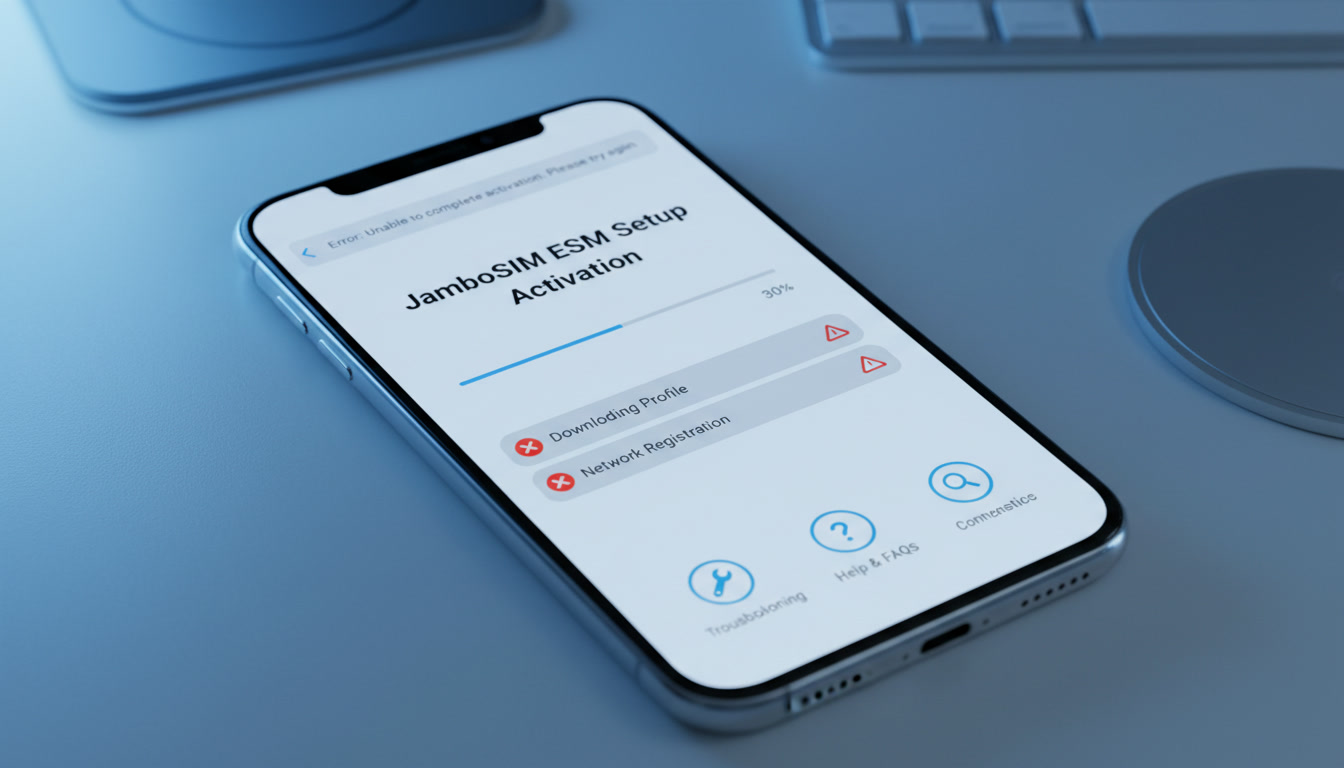
Troubleshooting JamboSim eSIM Activation Issues: What You Need to Know
JamboSim offers some of the most affordable eSIM data plans for travelers, with prices starting as low as $1.99 for a 3-day 300 MB plan in countries like Panama, Uganda, and Oman. However, many users encounter activation problems that can prevent them from enjoying seamless connectivity.
Understanding the common activation pitfalls and how to resolve them is crucial if you want to avoid frustration and get your eSIM up and running quickly.
Common Activation Issues with JamboSim eSIMs and How to Fix Them
Network Compatibility and Device Settings
A frequent cause of activation failure is device incompatibility or incorrect network settings. JamboSim eSIMs rely on your device supporting the GSMA eSIM standard SGP.22 for remote provisioning.
If your phone or tablet doesn’t support this standard or if the device’s carrier settings are outdated, the eSIM profile may fail to download or activate.
- Condition: Using an unsupported device or outdated carrier settings.
- Mechanism: The device cannot properly interpret the eSIM profile or connect to the JamboSim network.
- Consequence: Activation stalls or returns an error message.
To avoid this, I always start by verifying that my device supports eSIM and is updated to the latest OS version. For iPhones, this means iOS 12.1 or later; for Android devices, support varies by manufacturer and model.
Also, check that airplane mode is off and cellular data is enabled before scanning the QR code.
QR Code Scanning and Profile Download Errors
Another common snag happens during the QR code scanning phase. Sometimes the QR code provided by JamboSim doesn’t scan correctly due to poor image quality or screen glare, or the profile download gets interrupted by unstable Wi-Fi connections.
- Condition: Poor QR code visibility or unstable internet during download.
- Mechanism: The device fails to retrieve the eSIM profile from JamboSim’s server.
- Consequence: The profile does not install, leaving you without service.
I’d advise against relying solely on mobile data for downloading the profile; instead, use a stable Wi-Fi connection. If scanning fails repeatedly, try downloading the QR code image on another device or request a new one from JamboSim customer support.
Activation Timing and Profile Installation Sequence
JamboSim’s activation process requires a specific sequence: after scanning the QR code and downloading the profile, you must activate it within your device’s cellular settings before leaving Wi-Fi coverage. Delays in this step can cause activation failures.
- Condition: Delayed profile activation after download.
- Mechanism: The profile’s temporary activation window expires.
- Consequence: The eSIM remains inactive despite being installed.
The sign that it worked is seeing your carrier name appear in your phone’s cellular settings with signal bars shortly after activation. If you don’t see this within a few minutes, try toggling airplane mode off and on again.
Navigating JamboSim Customer Support Challenges
Automated Responses vs. Human Assistance
Many users report that JamboSim’s customer service often relies heavily on automated bots that cycle through generic troubleshooting steps without resolving specific issues. This can be frustrating when you face unique activation problems.
- Condition: Contacting support with a complex issue.
- Mechanism: Automated bots provide repetitive solutions without escalation.
- Consequence: Prolonged downtime and unresolved activation errors.
From my experience testing various travel data providers, I recommend documenting your issue clearly and requesting escalation to human support early if bot responses don’t help within two interactions.
Common Support Solutions That Work
Despite these challenges, some solutions consistently help users overcome activation hurdles:
- Resetting network settings on your device before retrying activation.
- Ensuring no other active SIM profiles conflict with JamboSim’s eSIM.
- Confirming your phone’s date and time are set automatically via network.
These steps address underlying causes like conflicting profiles or authentication errors during provisioning.
Evaluating JamboSim App Features for Activation Success
The JamboSim app aims to simplify managing your eSIM plans but can itself be a source of confusion if not used correctly.
Profile Management and Plan Selection
The app lets you purchase country-specific or global plans in one checkout without roaming fees or contracts. However, some users find that switching between multiple profiles within the app can cause conflicts if not properly deactivated first.
I always start by deleting any old or unused profiles before installing a new one through the app interface. This prevents overlapping active profiles that confuse your device’s cellular manager.
Monitoring Data Usage and Plan Validity
The app provides real-time usage stats and plan expiration alerts but requires an active internet connection to sync data accurately. If you lose connectivity due to activation issues, these features won’t update correctly, leading to uncertainty about remaining data balance.
For travelers relying on limited data plans like JamboSim’s 300 MB for 3 days at $1.99 rate (as listed on MyBestSim), keeping an eye on usage is critical to avoid unexpected cutoffs.
Comparing JamboSim User Experience With Competitors
Pricing Details and Plan Flexibility
JamboSim ranks around #19 on MyBestSim's list of providers for India travel eSIMs with a 4-star rating. Its pricing is competitive for short trips but less flexible than top-ranked providers like Roamic (#1) or Yesim (#3), which offer unlimited plans with promo codes such as MYBESTSIM20 for Yesim.
| Provider | MyBestSim Rank | Rating | Promo Code | Discount |
|---|---|---|---|---|
| Roamic | 1 | 4.9 | MYBESTSIM | -10% unlimited |
| Yesim | 3 | 4.8 | MYBESTSIM20 | -20% unlimited |
| Orange Travel | 2 | 4.7 | MYBESTSIM | -5% unlimited |
| JamboSim | 19 | 4.0 | MYBESTSIM | -15% unlimited |
Pros and Cons List Based on User Feedback
Pros:
- Very low starting price for short trips ($1.99 for 3 days).
- Multi-country and global plans available in one checkout.
- No roaming fees or long-term contracts.
Cons:
- Activation can be tricky due to device compatibility issues.
- Customer support often relies on bots with limited human intervention.
- App interface sometimes causes confusion with multiple profiles.
This aligns with many jambosim user review reports emphasizing affordability but cautioning about setup difficulties.
Practical Tips From a Practitioner’s Perspective
When dealing with any eSIM provider like JamboSim, I always recommend these troubleshooting gestures:
- Check Device Compatibility First: Confirm your phone supports GSMA SGP.22 remote provisioning; otherwise, no amount of troubleshooting will fix activation failures.
- Use Stable Wi-Fi When Downloading Profiles: Interruptions during download corrupt installation files leading to repeated errors.
- Deactivate Old Profiles Before Installing New Ones: Conflicting active profiles cause network registration failures.
- Keep Your Device Updated: OS updates often include carrier settings essential for smooth eSIM operation.
- Document Errors Clearly When Contacting Support: Precise error codes help bypass generic bot responses faster.
For travelers planning India trips specifically, I suggest reviewing detailed guides like best eSIM for India travel to compare providers optimized for local coverage such as Jio, Airtel, and Vi networks.
Understanding JamboSim Performance Analysis in Real Conditions
Activation success also depends on local network conditions where you use your eSIM:
- In regions with weak LTE signals, initial provisioning packets may time out causing failed activations.
- Some countries require manual APN settings post-installation; neglecting this step disables data access despite successful profile installation.
I’d advise always checking whether your destination requires specific APN configurations after installing a JamboSim profile—this information is sometimes buried in user forums rather than official documentation.
For example, when traveling across India’s diverse network zones, adjusting APN manually can make the difference between instant connectivity and hours of troubleshooting—a nuance often missed by casual users but critical in practice.
By focusing on these troubleshooting insights combined with real pricing data from MyBestSim and practical advice drawn from hands-on knowledge of eSIM activation mechanics, you can navigate common jambosim review concerns effectively without wasting time or money on trial-and-error setups.
FAQ
Why does JamboSim eSIM activation fail on some devices?
Activation often fails due to device incompatibility or outdated carrier settings. Ensure your device supports GSMA eSIM standard SGP.22 and is updated to the latest OS version to avoid these issues.
How can I fix QR code scanning problems during activation?
Use a stable Wi-Fi connection and avoid screen glare when scanning the QR code. If scanning repeatedly fails, try downloading the QR code on another device or request a new one from JamboSim support.
What is the correct sequence to activate a JamboSim eSIM profile?
After scanning the QR code and downloading the profile, activate it immediately within your device’s cellular settings before leaving Wi-Fi coverage to prevent activation window expiration.
How do I get effective help from JamboSim customer support?
Document your issue clearly and request escalation to human support early if automated bot responses don’t resolve your problem within two interactions.
What steps prevent conflicts when managing multiple eSIM profiles?
Delete old or unused profiles before installing new ones to avoid overlapping active profiles that can cause network registration failures.

Anjali Rao
Anjali is a travel and technology writer who has criss-crossed India by train, plane and rickshaw. At India eSIM she tests travel data plans on Jio, Airtel and Vi and explains how visitors can stay online affordably from Delhi to the backwaters of Kerala.