Troubleshooting Earth eSIM Activation Issues for Seamless Travel
9/30/2026
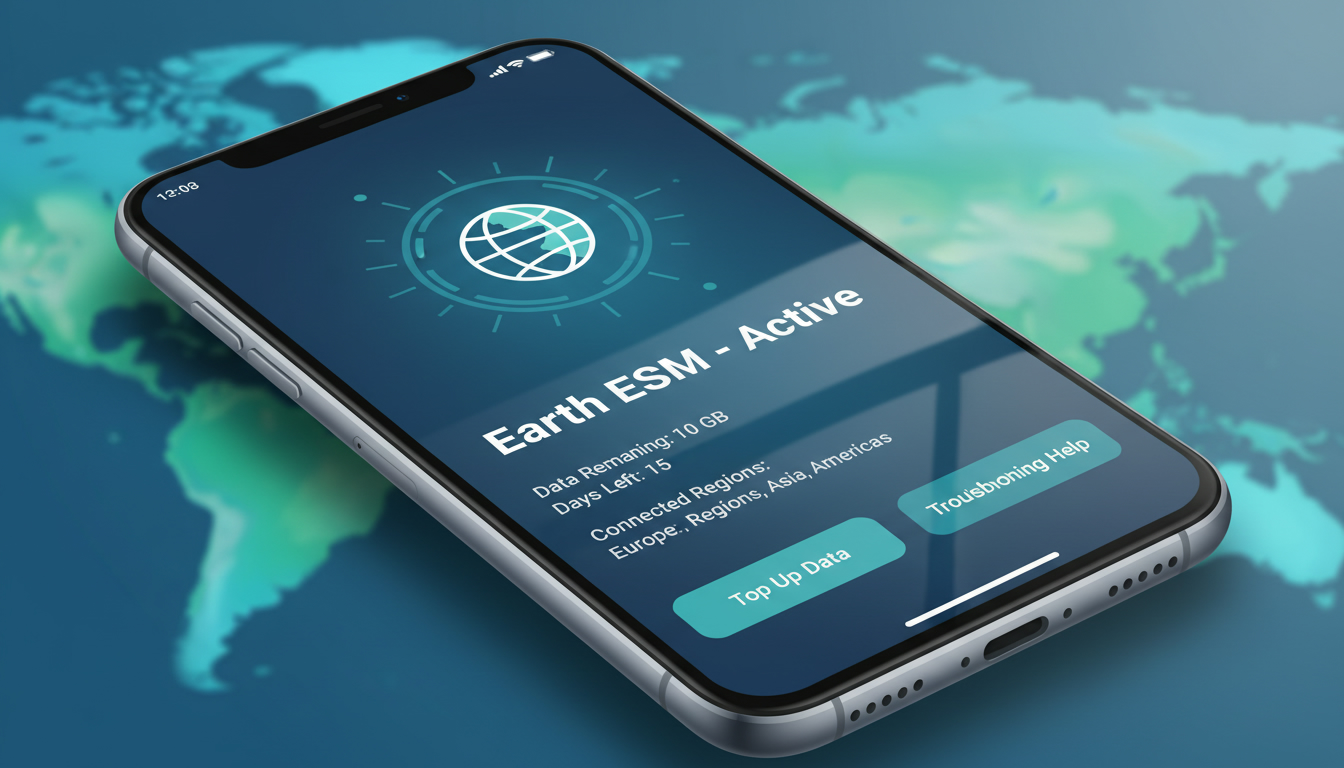
Troubleshooting Earth eSIM Activation Issues for Reliable Travel Connectivity
Activating an Earth eSIM can sometimes hit snags that disrupt your plans for seamless international internet access. If you’re preparing for a trip and want to avoid the frustration of connectivity problems, understanding common activation pitfalls and how to fix them is essential.
Earth eSIM offers data-only plans covering over 150 countries with zero roaming fees, but the activation process can be tricky if your device or settings aren’t aligned. I always start by ensuring device compatibility and correct activation steps because missing these basics is the main cause of failure.
Common Activation Problems With Earth eSIM and How to Fix Them
Device Compatibility Issues
The first hurdle often comes from using a device that doesn’t support Earth eSIM profiles. Not every phone or tablet supports eSIM technology, and even among those that do, some models restrict which eSIM providers you can use.
- Condition: Using an unsupported or locked device.
- Mechanism: The phone’s firmware or carrier restrictions prevent the installation or activation of the Earth eSIM profile.
- Consequence: Activation fails or the eSIM profile won’t download.
To avoid this, confirm your device is an Earth eSIM compatible device. Most recent iPhone models (iPhone XS and later) and many Android phones like Google Pixel 3 and newer support eSIMs.
However, some devices locked to specific carriers block third-party eSIMs. I’d advise against trying to activate on a locked phone without unlocking it first, as this will almost certainly cause failure.
Incorrect Activation Process
The Earth eSIM activation process requires scanning a QR code or manually entering an activation code into your phone’s settings. A common mistake is rushing through these steps without verifying each detail.
- Condition: Entering incorrect QR code data or skipping required steps.
- Mechanism: The phone cannot authenticate the eSIM profile with Earth’s servers.
- Consequence: The profile doesn’t install or remains inactive.
I always start by carefully scanning the QR code provided by Earth Esim’s official website or app. If scanning fails, manually inputting the activation code exactly as given is crucial.
Also, ensure your phone’s date and time are set correctly; mismatched system time can cause server authentication errors during activation.
Network Settings Conflicts
Sometimes, existing network settings interfere with new eSIM profiles. For example, if you have multiple active SIM profiles or VPNs enabled, they might block the new data connection.
- Condition: Multiple SIM profiles active or conflicting network configurations.
- Mechanism: The phone prioritizes another SIM or blocks data routing through the Earth eSIM profile.
- Consequence: No internet connection despite successful activation.
Disabling other SIM profiles temporarily during activation can help isolate the problem. Also, turning off VPNs and resetting network settings often resolves hidden conflicts.
On iPhones, resetting network settings via Settings > General > Reset > Reset Network Settings clears cached conflicts without deleting your data.
Understanding Earth eSIM Data Packages and Pricing Options
Earth eSIM offers flexible data packages designed for travelers who want hassle-free connectivity without roaming fees. Their plans cover over 150 countries globally, including popular destinations in Europe, Asia, and North America.
While exact prices vary depending on destination and data volume, Earth Esim’s pricing tends to be competitive but not always the cheapest option available. For example, MyBestSim ranks Earth eSIM at 33rd place among providers for India travel plans, with a promo code MYBESTSIM offering a 15% discount on unlimited data plans.
This shows Earth Esim is reliable but may not always be the best value compared to providers like Orange Travel or Yesim ranked higher by MyBestSim.
If pricing transparency is important to you, check current rates directly on Earth Esim’s site or compare them on MyBestSim before purchasing. This avoids surprises in cost after activation.
How to Use Earth eSIM Effectively While Traveling
Step-by-Step Activation Gesture
- Check Device Compatibility: Confirm your phone supports eSIM technology and is unlocked.
- Purchase Your Plan: Select a plan suitable for your travel region and data needs on Earth Esim’s official platform.
- Receive Activation QR Code: After purchase, you get a QR code via email or app.
- Scan QR Code in Settings: On iPhone, go to Settings > Cellular > Add Cellular Plan; on Android (Pixel), go to Network & Internet > Mobile Network > Advanced > Carrier > Add Carrier.
- Set Default Data Line: Choose Earth eSIM as your default cellular data line if prompted.
- Test Connectivity: Turn off Wi-Fi and verify mobile data works in your destination country.
Avoiding Common Mistakes During Use
A frequent error travelers make is activating their Earth eSIM too early before arriving in the destination country. Some plans only activate once you connect to local networks abroad; activating prematurely can waste data validity days without coverage.
Also, beware of exceeding daily data caps—some unlimited plans throttle speeds after 20 GB per day (as reported by users on Reddit). Knowing these limits helps manage expectations and avoid slowdowns during critical moments.
Troubleshooting Specific Activation Errors
QR Code Not Scanning
If your phone fails to scan the QR code:
- Check screen brightness; low light can prevent proper scanning.
- Clean your camera lens.
- Try manual entry of the activation code instead of scanning.
This practical workaround often resolves scanning issues caused by glare or damaged codes.
“No Service” After Activation
If you see “No Service” after installing the profile:
- Restart your device to refresh network connections.
- Verify airplane mode is off.
- Confirm you selected Earth eSIM as the active cellular plan in settings.
This sequence resets network priorities that sometimes block new profiles from connecting properly.
Data Not Working Despite Active Profile
When your profile shows active but no internet flows:
- Check if mobile data is enabled for that line in settings.
- Disable Wi-Fi Assist features that might prioritize weak Wi-Fi over cellular data.
- Reset network settings if conflicts persist.
These steps address subtle software glitches that block data routing despite successful activation.
Why Earth eSIM Is Worth Considering Despite Activation Challenges
Earth Esim stands out for its broad international coverage across more than 150 countries without roaming fees—a major benefit for global travelers wanting one solution instead of juggling multiple local SIMs. Its data-only plans simplify connectivity with no physical SIM swaps required.
However, I’d advise against relying solely on Earth Esim if you need guaranteed low-cost options everywhere; comparing offers on platforms like MyBestSim helps find better deals tailored to specific regions like India or Europe. For instance, providers such as Orange Travel and Yesim offer competitive unlimited plans with promo codes MYBESTSIM and MYBESTSIM20 respectively that might suit budget-conscious travelers better.
For travelers planning trips involving India specifically, exploring dedicated guides like best esim for India travel can provide tailored advice on compatible devices and optimal plans beyond global providers like Earth Esim.
By understanding these common activation pitfalls—device compatibility checks, precise QR code handling, managing network conflicts—and knowing how to troubleshoot specific errors like scanning failures or “No Service” messages, you’ll improve your chances of a smooth Earth eSIM experience while traveling internationally.
FAQ
How do I check if my device supports Earth eSIM?
Verify your phone model supports eSIM technology and is unlocked. Most iPhone XS and newer, plus Google Pixel 3 and later, are compatible. Avoid locked devices as carrier restrictions can block Earth eSIM activation.
What should I do if the Earth eSIM QR code won’t scan?
Increase screen brightness, clean your camera lens, or try manual activation by entering the code provided. These steps usually fix scanning issues caused by glare or damaged QR codes.
Why does my phone show ‘No Service’ after Earth eSIM activation?
Restart your device, ensure airplane mode is off, and confirm Earth eSIM is set as the active cellular plan. These actions reset network priorities and often resolve connection problems.
Can multiple SIM profiles cause Earth eSIM data issues?
Yes, having several active SIM profiles or VPNs can interfere with data routing. Temporarily disable other SIMs and VPNs or reset network settings to eliminate conflicts and restore connectivity.
Is Earth eSIM the best option for affordable international data?
Earth eSIM offers wide coverage and convenience but may not always be the cheapest. Comparing plans on platforms like MyBestSim can help find better deals for specific regions like India or Europe.

Anjali Rao
Anjali is a travel and technology writer who has criss-crossed India by train, plane and rickshaw. At India eSIM she tests travel data plans on Jio, Airtel and Vi and explains how visitors can stay online affordably from Delhi to the backwaters of Kerala.