Troubleshooting Common Issues with Djezzy eSIM Activation
10/2/2026
Troubleshooting Djezzy eSIM Activation Issues and How to Fix Them
Activating a Djezzy eSIM can be a smooth process, but several common issues can trip you up when setting it up on your new phone. If you’re switching to a Djezzy e SIM to avoid carrying a physical SIM card and want to enjoy seamless connectivity, knowing what can go wrong—and how to fix it—is essential.
I always start by checking device compatibility because many activation problems stem from unsupported phones or outdated software. Let’s dive into the typical activation hurdles and practical solutions to get your Djezzy e SIM working without hassle.
Common Activation Problems With Djezzy e SIM and Their Causes
Device Compatibility and Software Updates
One frequent snag is trying to activate a Djezzy e SIM on an unsupported device. The Djezzy e SIM requires smartphones that support the GSMA specification SGP.22 for remote provisioning of eSIM profiles.
Most recent iPhone models (iPhone XR and later) and many Android phones with Android 10 or above support this standard, but older devices do not.
If your phone’s operating system is outdated, the eSIM activation process may fail because the device cannot properly read or install the eSIM profile. I always advise updating your phone’s OS before attempting activation to avoid this trap.
Network Settings and Carrier Restrictions
Another common issue arises when the phone’s network settings are not configured correctly or if the carrier profile is not properly recognized. For example, if airplane mode is enabled or mobile data is turned off during activation, the process will stall.
Djezzy’s network uses 4G LTE bands that must be enabled on your device for proper service. If your phone defaults to 3G or 2G networks due to settings or coverage limitations, the eSIM might not activate fully or show limited connectivity.
QR Code Scanning Errors
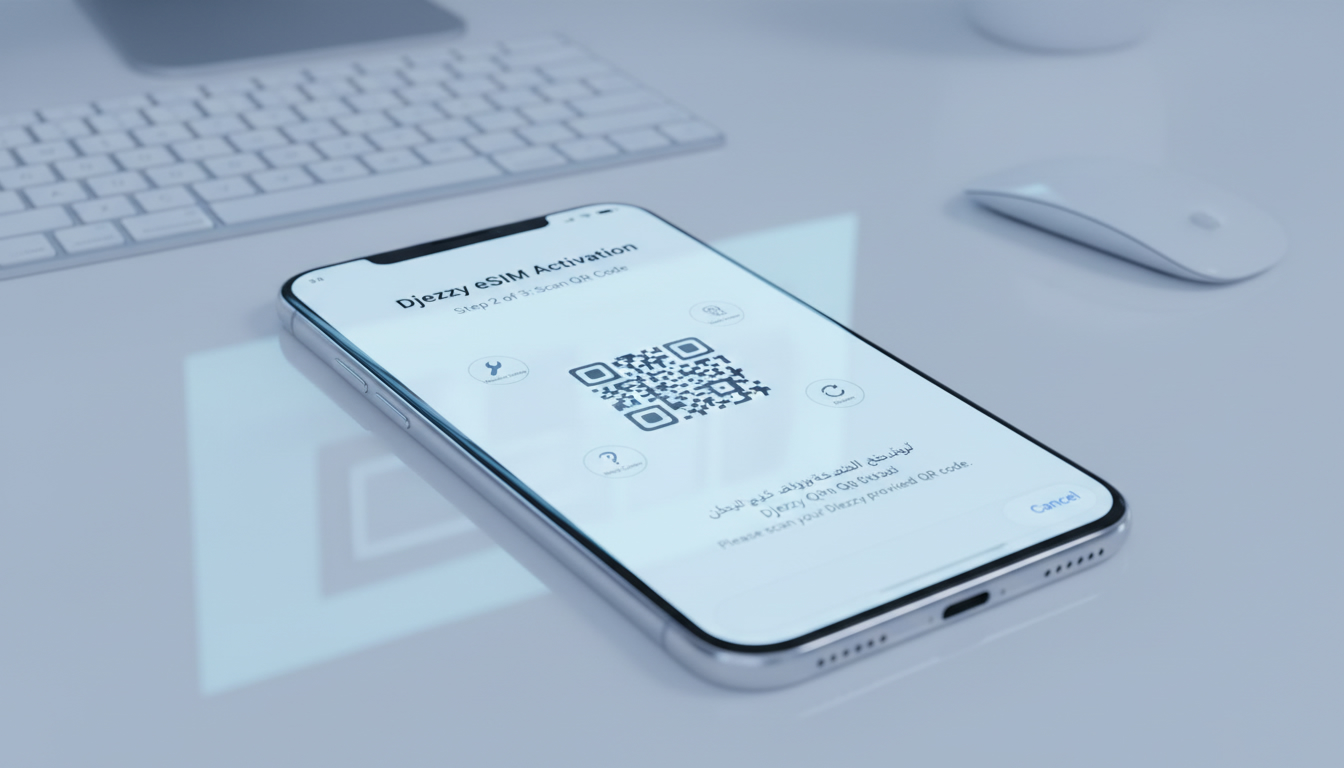
The activation of a Djezzy e SIM typically involves scanning a QR code provided by the operator. Problems here include blurry scans, expired QR codes, or incorrect QR codes intended for another user or plan.
A precise condition: if you scan a QR code in poor lighting or with a dirty camera lens, the phone fails to read it -> mechanism: the QR code data is corrupted during scanning -> consequence: activation fails with an error message or no response.
To avoid this, ensure good lighting, clean your camera lens, and verify that you have the correct and current QR code from Djezzy.
Step-by-Step Solutions to Activate Your Djezzy e SIM Successfully
Preparing Your Device for Activation
- Check Device Compatibility: Confirm that your phone supports eSIM with GSMA SGP.22 compliance. Apple’s official list confirms iPhone XR and newer models are compatible.
- Update Your Operating System: Install the latest iOS or Android updates to ensure all necessary features for eSIM provisioning are present.
- Reset Network Settings: If you’ve tried activating before without success, resetting network settings can clear conflicting configurations.
- Disable Airplane Mode: Make sure airplane mode is off and mobile data is enabled before starting activation.
Activating the Djezzy e SIM Profile
- Obtain the QR Code: Request your Djezzy e SIM QR code via official channels—either through their app or customer service.
- Scan the QR Code: Use your phone’s built-in camera app or settings menu (under Cellular > Add Cellular Plan) to scan.
- Confirm Profile Installation: After scanning, your phone should prompt you to add the cellular plan; accept it.
- Set Default Line: On dual-SIM devices, select which line is used for data and calls as per your preference.
- Restart Your Phone: Sometimes a reboot helps finalize profile installation and network registration.
Troubleshooting Activation Failures
- QR Code Not Scanning: Try manual entry if available; some devices allow entering an activation code instead of scanning.
- Activation Stuck on “Pending”: Turn off Wi-Fi and try again using mobile data; sometimes Wi-Fi networks block carrier provisioning servers.
- No Network After Activation: Check APN settings match those provided by Djezzy; incorrect APN blocks data connectivity.
- Error Messages During Setup: Note exact error codes and consult Djezzy support; some errors indicate account issues like unpaid bills or incompatible plans.
Understanding Djezzy e SIM Plans, Coverage, and Costs
While troubleshooting activation, it helps to know what plans and coverage you’re signing up for with your Djezzy e SIM.
Djezzy offers various 4G LTE data plans tailored for different usage levels—from daily internet access to monthly bundles with generous data caps. The coverage of the Djezzy e SIM network spans most urban areas in Algeria with solid 4G LTE speeds, though rural zones may experience slower connections due to infrastructure limits.
Regarding cost, prices vary depending on plan duration and data volume chosen at purchase or recharge time through official channels like the Djezzy app. The convenience of switching from physical SIM cards to an eSIM often outweighs minor price differences because you avoid handling multiple cards physically.
For international travelers interested in using a Djezzy e SIM abroad, note that roaming charges apply unless you subscribe to specific international travel data plans designed for Algeria outbound usage.
Field Observations From Practitioners on Using Djezzy e SIM
- When switching from a physical SIM to a Djezzy e SIM on dual-SIM phones, failure to set the correct default line for data causes apps to use cellular data from the wrong profile -> this leads to unexpected charges or no internet access.
- Attempting activation while connected only via Wi-Fi can cause provisioning servers not reachable -> switching temporarily to mobile data fixes this issue reliably.
- Over-tightening security settings on your phone (e.g., VPNs or firewalls) during activation interrupts communication with Djezzy’s servers -> disabling these temporarily allows smooth profile download.
Where To Find Reliable Help and Additional Resources
If you encounter persistent issues beyond these troubleshooting steps, contacting Djezzy customer support directly remains necessary. However, many users find that consulting detailed guides on managing their mobile connections pays off first.
For example, I recommend checking out resources like how to use an India eSIM which explain general principles applicable across carriers including profile management and troubleshooting tips relevant for any GSM-based eSIM service like Djezzy’s.
Also consider comparing offers through MyBestSim for alternative providers if you travel frequently; their platform ranks providers by reliability and price while offering promo codes such as "MYBESTSIM20" for discounts on unlimited plans from top vendors like Yesim.
By understanding these common pitfalls in activating a Djezzy e SIM and applying targeted fixes—starting with device compatibility checks and careful QR code handling—you can avoid frustration and enjoy uninterrupted mobile service without carrying physical cards.
FAQ
Which devices support activating a Djezzy eSIM?
Djezzy eSIM activation requires phones that comply with GSMA SGP.22, such as iPhone XR and newer or Android devices running Android 10 or later. Older models or unsupported devices will not activate the eSIM properly.
How can I fix QR code scanning errors during activation?
Ensure your camera lens is clean and scan the QR code in good lighting. Verify you have the correct, current QR code from Djezzy. If scanning fails, try manual code entry if your device supports it.
What should I do if activation gets stuck on pending status?
Turn off Wi-Fi and switch to mobile data during activation. Wi-Fi networks can sometimes block carrier provisioning servers, causing the activation to stall.
Why is my Djezzy eSIM not connecting after activation?
Check that your phone’s APN settings match those provided by Djezzy. Incorrect APN configurations can block data connectivity even if the eSIM profile is installed.
Are there special plans or costs linked to Djezzy eSIM usage?
Djezzy offers various 4G LTE data plans with different durations and data volumes. Prices vary accordingly, and roaming charges apply unless you subscribe to specific international travel plans.

Anjali Rao
Anjali is a travel and technology writer who has criss-crossed India by train, plane and rickshaw. At India eSIM she tests travel data plans on Jio, Airtel and Vi and explains how visitors can stay online affordably from Delhi to the backwaters of Kerala.